Originally shared by Hridoy Reh on Twitter.
By Hridoy Reh
Why are browser extensions useful for finding clients?
If you're doing outreach manually, you're probably spending too much time on research and not enough time actually talking to potential clients. Browser extensions cut that research time down by surfacing contact info, company data, and lead signals directly in your browser, without jumping between a dozen tools.
For solo founders and small marketing teams, this matters. You don't have a dedicated sales team or a $20k/year CRM with enrichment baked in. A well-chosen extension can fill that gap. If even that feels like too much manual work, newer AI prospecting tools that start from your website URL can automate the list-building entirely.
What should a good client-finding extension actually do?
Before downloading anything, know what you need it to do:
- Find verified email addresses tied to a specific domain or LinkedIn profile
- Show company firmographics like size, industry, and tech stack
- Reveal decision-maker contacts without requiring you to leave the page you're on
- Export leads directly to a spreadsheet or CRM
Extensions that do all of this in one place are worth paying for. Extensions that only do one thing can still be useful if they do that one thing well.
Which extensions are worth trying?
Here are four that consistently show up in outreach workflows:
-
Hunter.io — Works directly on company websites and LinkedIn. Surfaces email addresses associated with a domain and gives you a confidence score. Free tier includes 25 searches per month.
-
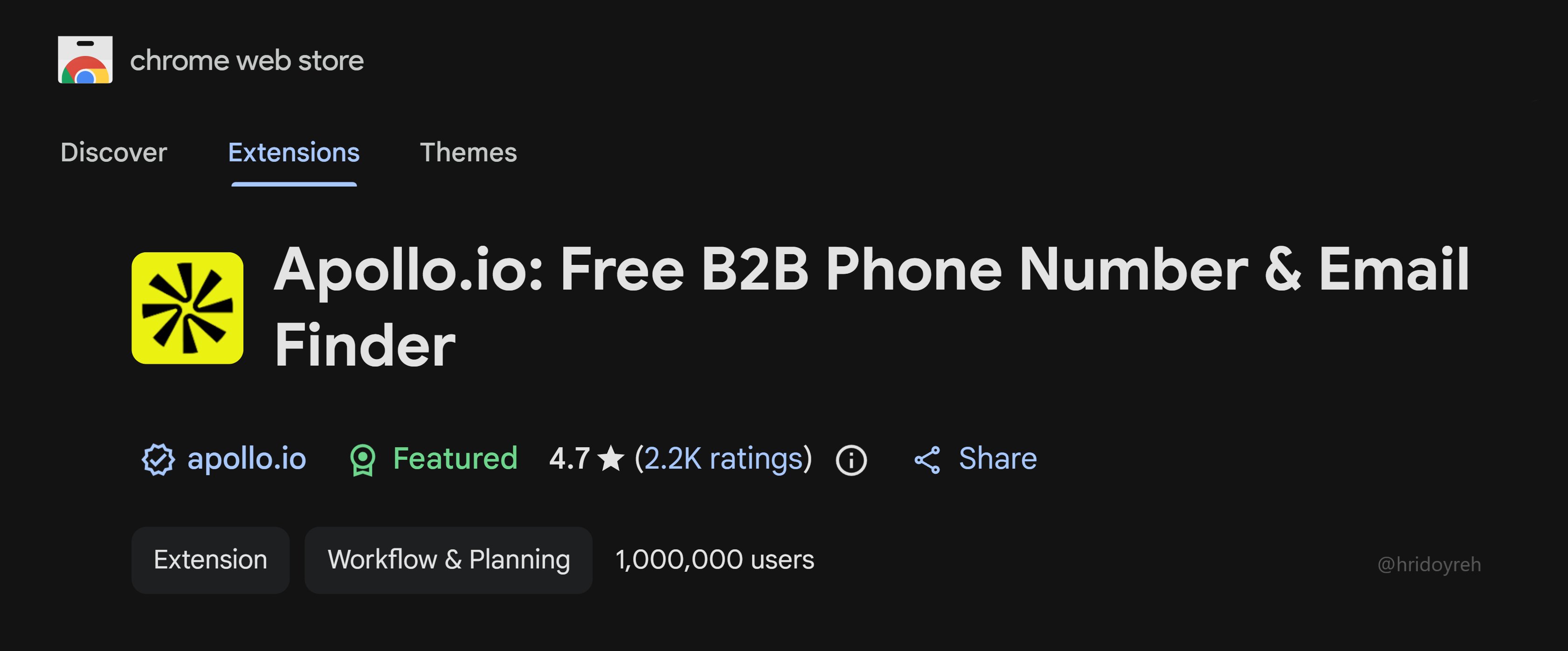
Apollo.io — Chrome extension that overlays contact and company data on LinkedIn profiles. Strong for B2B outreach. The free plan is generous for solo founders starting out.
-
Lusha — Similar to Apollo but skews toward phone numbers as well as emails. Useful if you're doing cold calls alongside email outreach.
-
Wappalyzer — Doesn't find contacts, but shows you what tech stack a company runs. If you sell services that integrate with Shopify, HubSpot, or specific CMS platforms, this tells you instantly whether a prospect is a fit before you spend time on a pitch.
According to HubSpot's 2024 State of Sales report, sales reps spend an average of 21% of their day on research and data entry. Extensions that automate even part of that give you back real hours each week.
How do you turn extension data into actual clients?
Finding an email address is the start, not the finish. Here's a simple process that works:
- Use your extension to build a short list of 20-30 qualified prospects. Quality over quantity here.
- Check each prospect's LinkedIn or website before reaching out — look for a recent trigger (new funding, job posting, product launch, or a content piece they published).
- Write a two to three sentence cold email that references that trigger. No templates. No "I hope this email finds you well."
- Follow up once, five to seven days later, with a different angle or a piece of useful content.
The extension does the prospecting. You do the thinking. That split is what makes outreach convert.
What's the catch with free tiers?
Most of these extensions limit searches on free plans. Once you're doing consistent outreach, you'll hit the ceiling fast. Before upgrading, track your close rate from extension-sourced leads for a month. If the math works out, the paid plan pays for itself quickly.